Your files. Your devices. No middleman.
Meet LocalSend, the open-source tool that sends files between your phone and computer without a cloud account.
A familiar problem, a focused solution
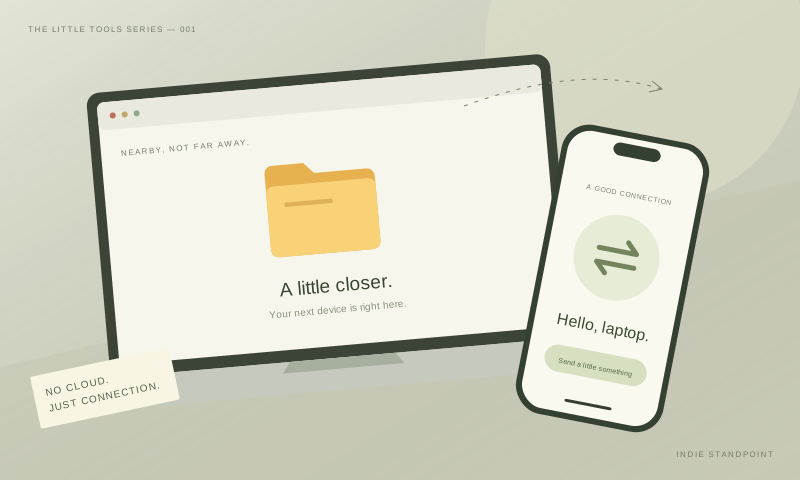
A photo is on your phone. You need it on your computer. Emailing it to yourself adds an unnecessary step; a cloud folder adds another place to manage. LocalSend takes a more direct route: sharing between devices on the same local network.
What it does
The project’s website lists support for Windows, macOS, Linux, Android, and iOS. Transfers work on the local network without an internet connection or a required account. It is free and open source, with development supported by its community.
Who should look closer
This is worth investigating if your devices span different operating systems. Before relying on it, try a small transfer on your own network and check the destination folder. A home network and a shared workplace network may behave differently.
The important limitation
LocalSend is for nearby devices on a local network. It is not a replacement for sending a download link to someone in another city. Choose it for that specific job, rather than expecting a complete cloud-storage service.
Source & editorial notes
Reviewed October 20, 2026. LocalSend’s official website ↗. Features, pricing, and compatibility may change. Read our editorial approach.